Overview
This article provides information of the Cloud features available for Remixer.
Background
Remixer's cloud features give your generated site a real backend, all managed from the Remixer editor and usable by your live app at runtime. Each app can sign in users, store files, keep a structured database, hold encrypted secrets, run server-side actions, send and receive email, and keep an activity log. You can set these up directly or ask the AI to build and configure them for you through chat.
What does the built-in database do?
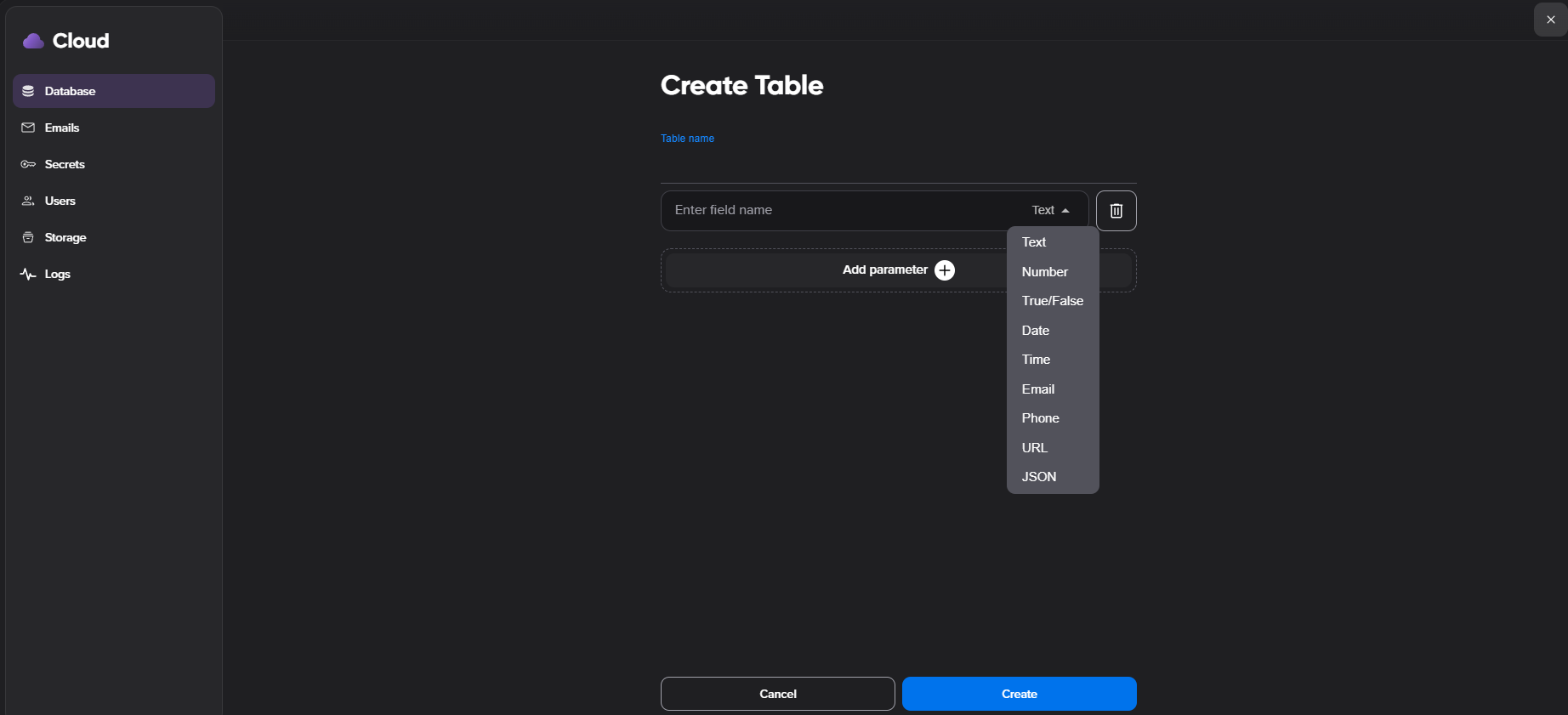
Every Remixer app includes its own database for structured content — product listings, event schedules, member directories, and similar collections. This is what lets a Remixer app go beyond fixed pages: data is organized into tables with fields and records, and your app displays it dynamically in lists, galleries, and other sections. Records support structured fields including text, numbers, true/false values, arrays, objects, images, and metadata.
You can create a table two ways:
Ask the AI. Describe what you're building (e.g., "a table of my pottery classes with dates and prices"), and Remixer creates the structure for you.
Build it manually. Open your project, select the Open Data icon in the left sidebar, click Create Table, and add your fields.
Your published and preview sites can create, list, search, update, and delete records at runtime, and Remixer handles validation and permission failures gracefully.
How does the AI work with my data?
The AI builds and edits your tables and their structure from your prompts. To view or edit the records inside a table, use the database sidebar, or add a form or admin view to your app so you and your visitors can manage data directly. The AI works with table structure rather than the records themselves, so it won't read or reference your stored data when generating your app.
A few things to know as you plan your project:
Built for structured fields. Store images as URLs, and Remixer displays them in your app.
One database per app, unlimited tables. Create as many tables as your app needs within that single database.
Structure and content through chat. The chat prompt creates and updates your tables and their content. Advanced queries and filtering aren't available through the chat prompt.
What can built-in user accounts do?
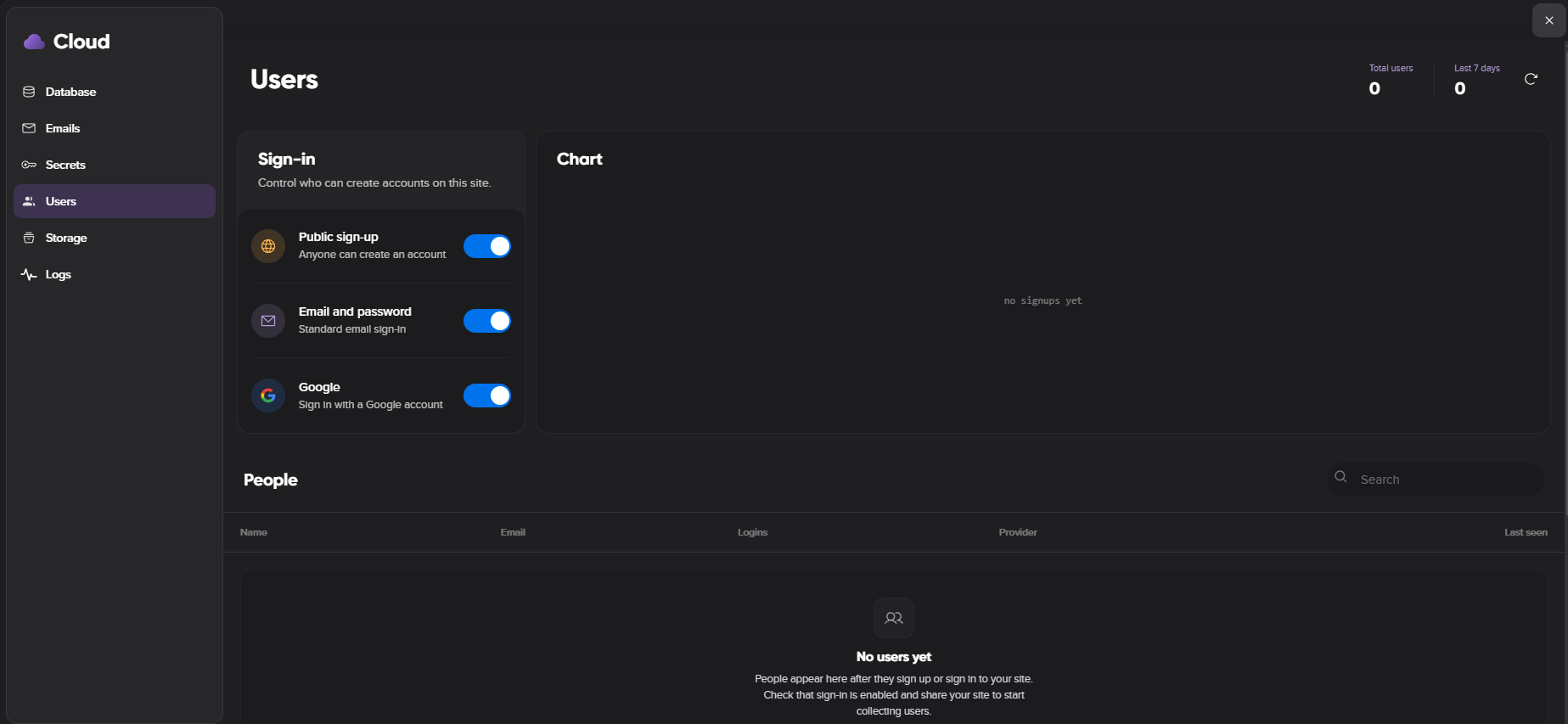
Remixer includes built-in user management for sites that need accounts or gated experiences. Visitors can sign up and sign in on your live site, and you manage them from the Users dashboard.
Sign-in methods. Support standard email and password sign-in, Google sign-in, or both. Turn public signup, email authentication, and Google authentication on or off independently.
User visibility. The user list shows provider icons, sign-in counts, last activity, and disabled users. Users pending email confirmation are marked Unconfirmed.
Conflict handling. Remixer handles provider conflicts, such as a Google-only user attempting to sign in with email and password.
What does Storage do?
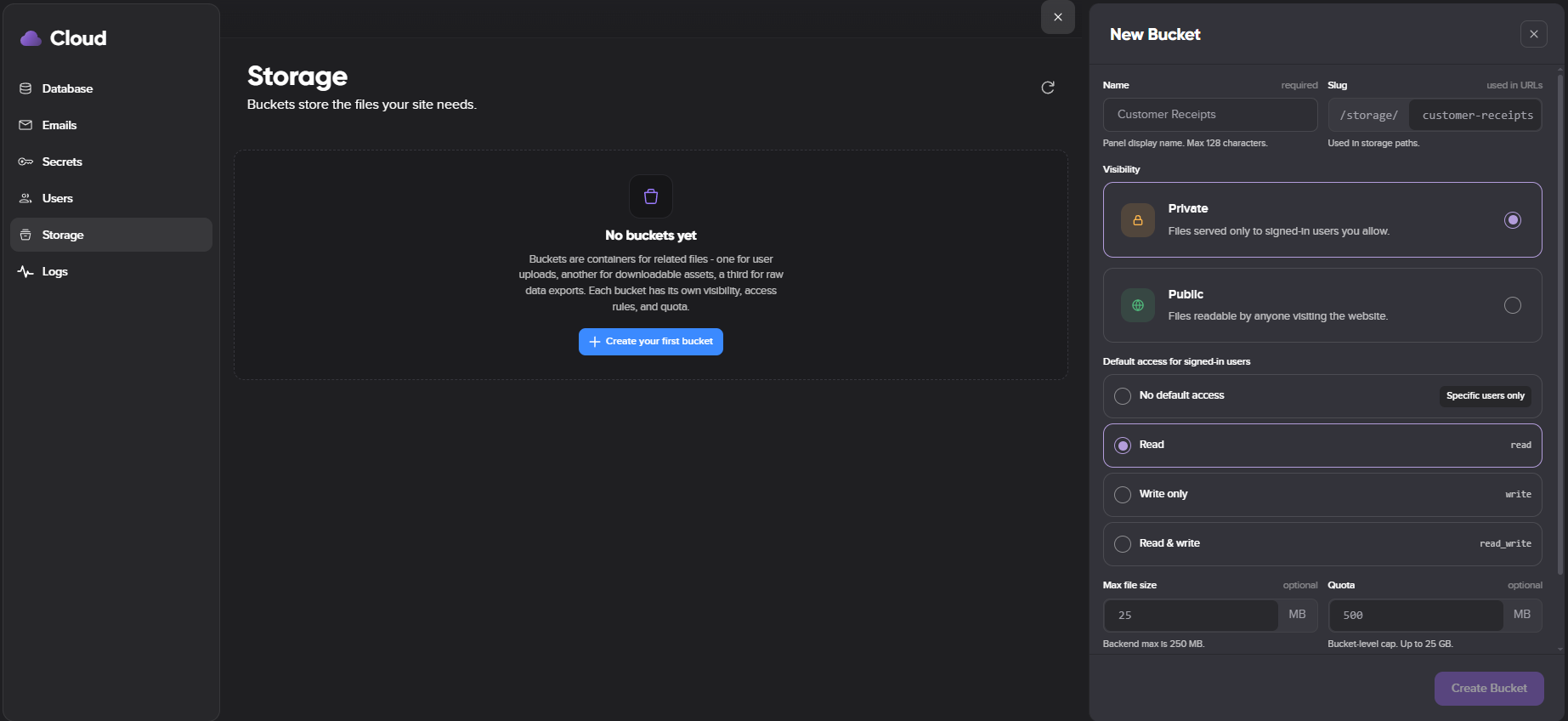
Storage gives each project dedicated file buckets that both the editor and your live site can use.
Public or private buckets. Create buckets and set default access for signed-in users to none, read, write, or read and write. Grant specific users access to private buckets.
File operations. Upload, list, read, and delete files. Generate public read URLs, and private signed URLs for reading or uploading.
Controls and limits. Configure maximum file sizes, quotas, and allowed file types. Track bucket usage, object counts, quota errors, and access-denied events.
What are Secrets and runtime actions?
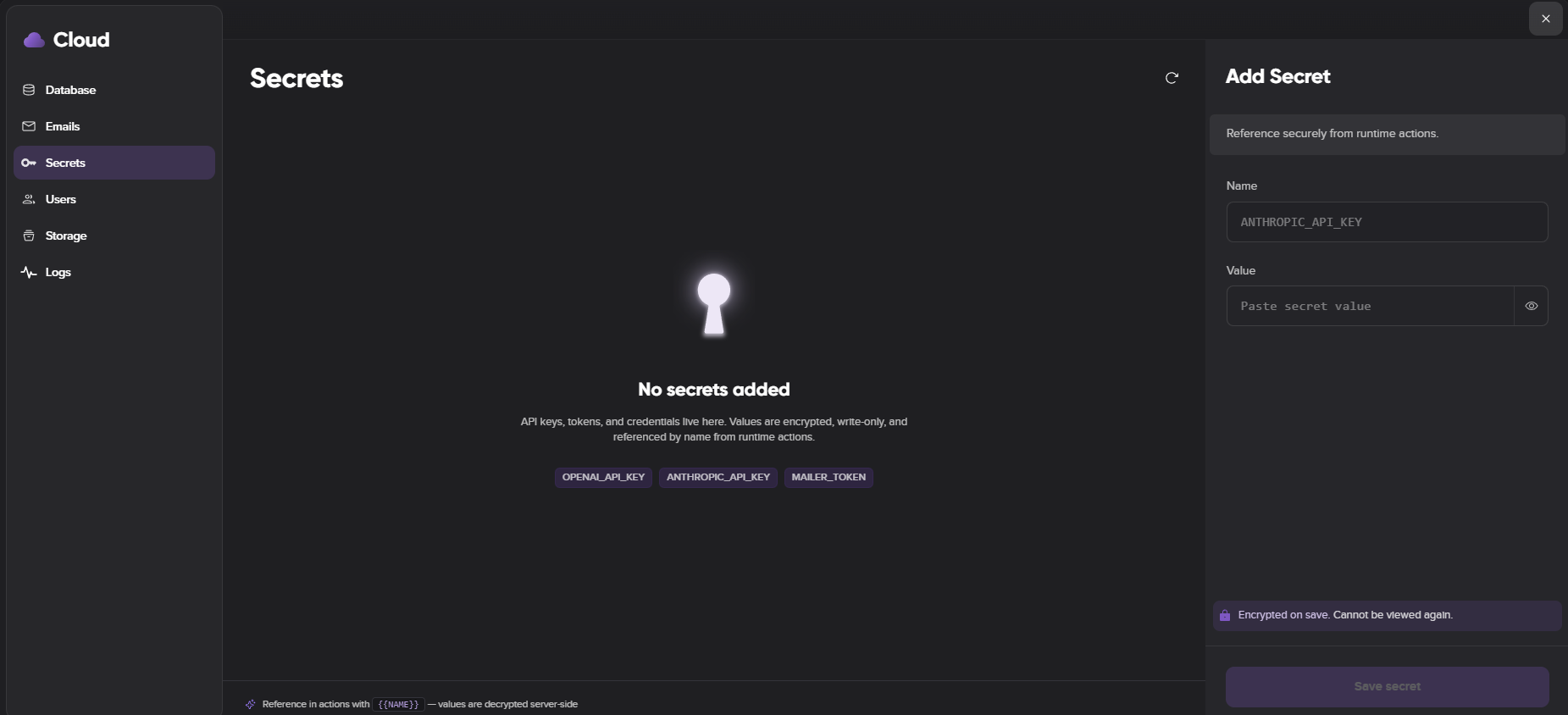
Secrets and actions let your site call external APIs or run server-side workflows without exposing sensitive data in the browser.
Encrypted secrets. Store write-only secrets and reference them securely in actions using {{SECRET_NAME}}. Remixer substitutes secret values strictly on the server and never sends them to the browser.
In-use protection. A secret tied to an action shows an In use state, and Remixer prevents deleting a secret that an active action still depends on.
Runtime actions. Run actions directly from your live site to call external services or perform server-side work.
How do email and forms work?
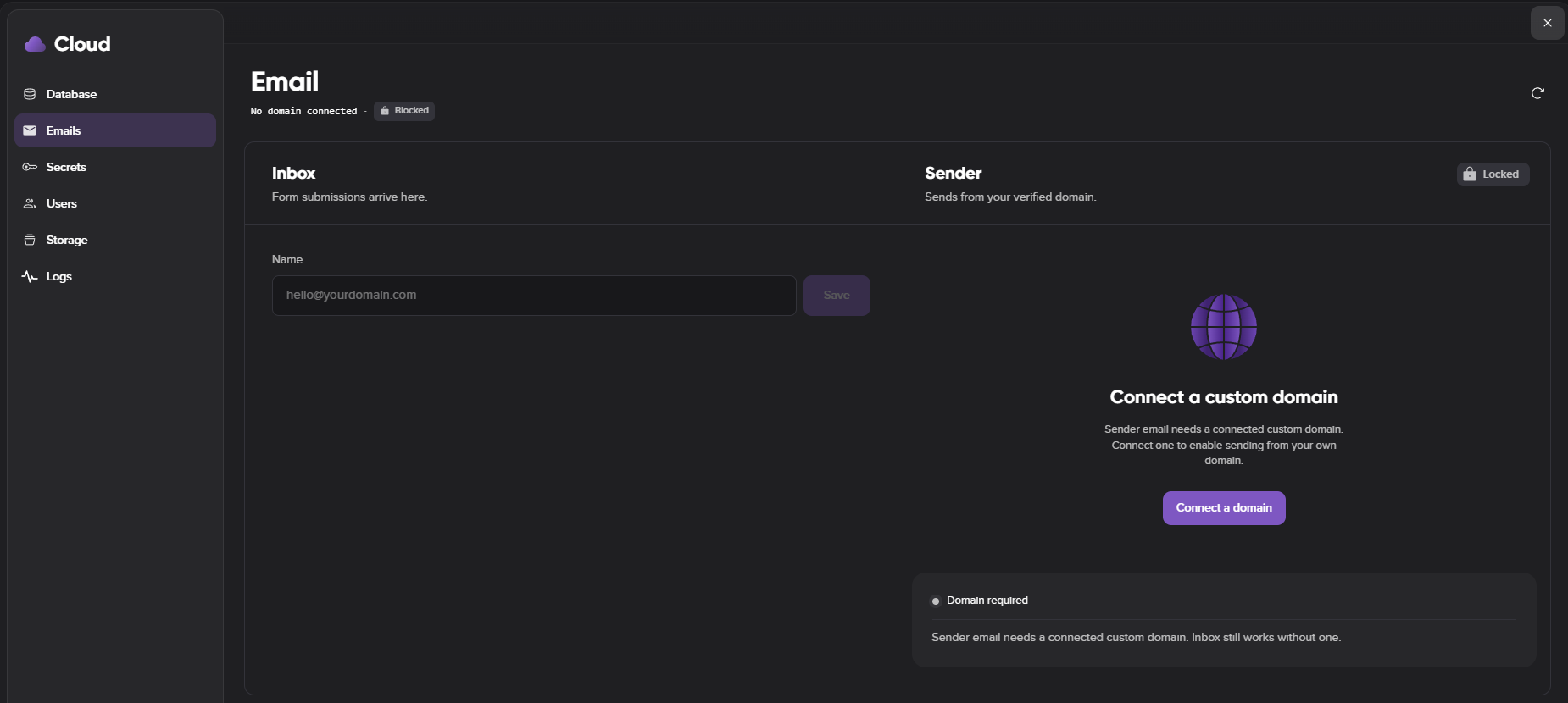
Remixer supports both receiving form submissions from visitors and sending transactional email from a verified project sender.
Form submissions. Configure an inbox recipient for all form submissions, and visitors submit forms directly from your live site.
Sending email. Configure a sender address on your custom project domain and verify it with DKIM and MAIL FROM DNS records. When your domain is managed by DreamHost, Remixer adds these records automatically and shows external DNS records only when you need to add them manually. Once verified, you can use the sender address as your inbox recipient.
What do the project activity logs show?
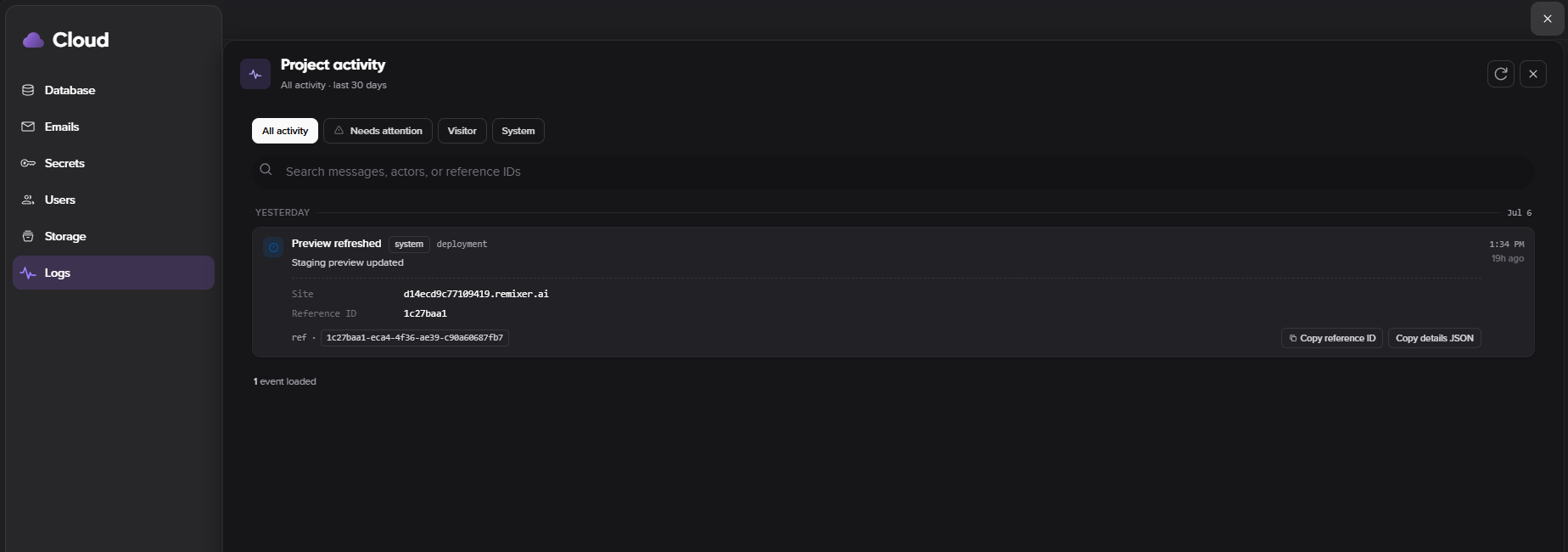
Project Activity is a centralized, 30-day audit trail of everything happening in your app's cloud environment — database, storage, user sign-ins, email, secrets, actions, deployments, and system updates.
Filters. Filter by All Activity, Needs Attention, Visitor Activity, and System Activity, and narrow visitor events to your live site or preview site.
Severity. Events are labeled Info, Warning, or Error, and surface access-denied, validation, quota, timeout, and failed runtime events.
Debugging detail. Each event includes a unique reference ID, and you can copy the reference ID or the full event details for troubleshooting.