Overview
The Profile & Privacy page is where you manage your personal contact information, email and communication preferences, panel language, and the sub-processors DreamHost may share data with, as well as your cookie preferences.
What personal information can I manage?
On this page you can manage the following personal information.
Contact Information
This section specifies the personal information of the account owner.
Email and Communication Preferences
This section sets the primary address for the account. If you need to request changes be made to your account, you must use this email address when contacting support.
You can also add additional email addresses so others may contact DreamHost on your behalf.
Language
This section allows you to change the panel's default language to either English or Spanish.
Sub-Processors
The bottom section lists sub-processors DreamHost may share data with.
How do I manage cookies at DreamHost?
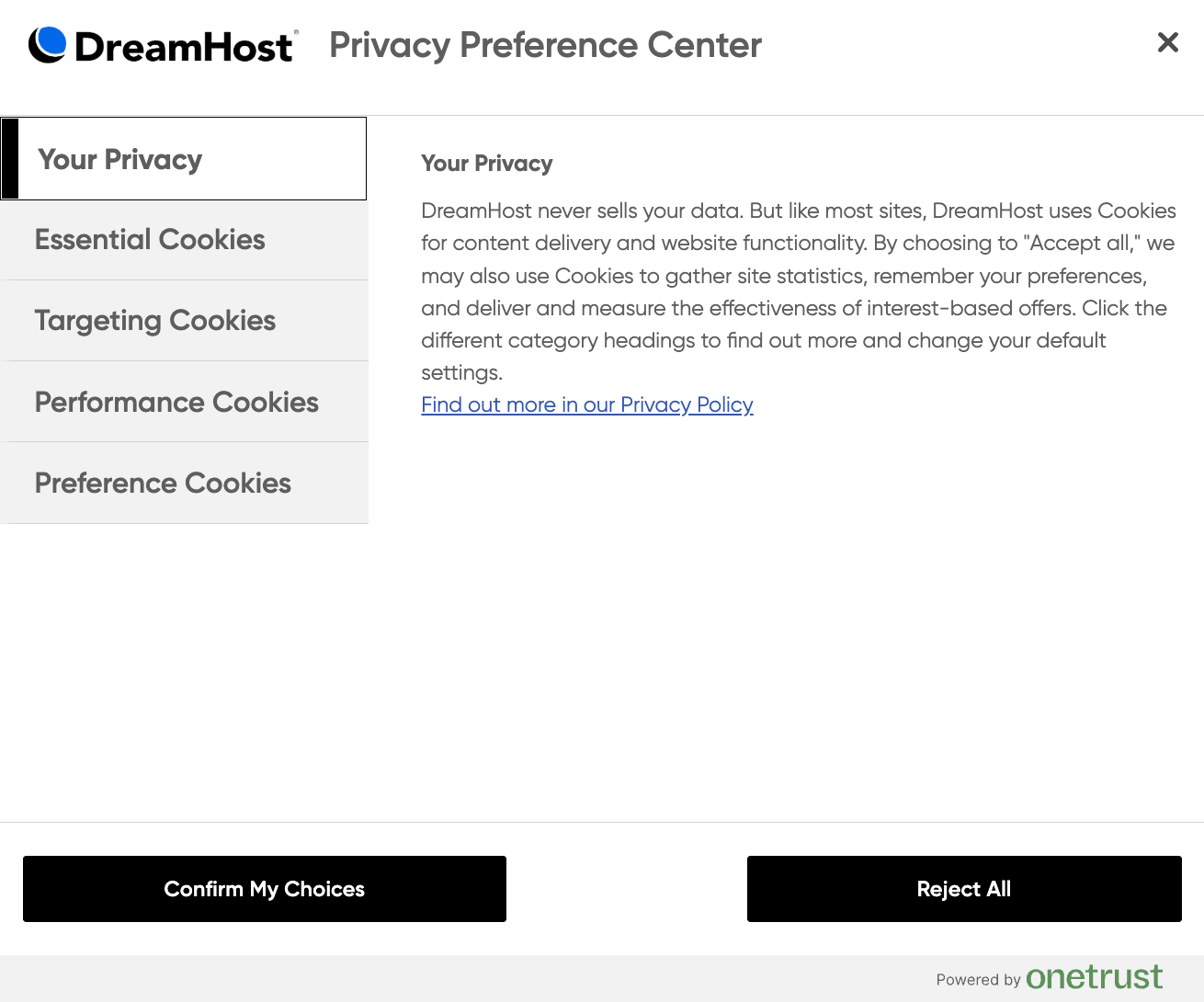
You can manage and update your cookie preferences at any time in the Cookie Preference center.
How do I access the Cookie Preference center?
There are two ways to access your cookie settings:
Option 1 — Banner pop-up
When you first visit any DreamHost website, a banner appears that prompts you to select one of the following:
Cookie Settings
Manage Cookies
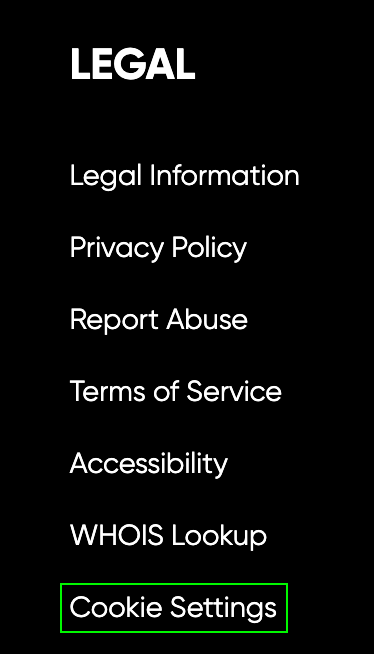
Option 2 — Direct link
You can also find a link to the Cookie Preference center at the bottom of dreamhost.com. The Cookie Settings link appears under the Legal section.
How do I update my cookie settings?
In the Cookie Preference center, you can select from the following options:
Accept all cookies
Reject all cookies
Turn specific categories On or Off (e.g. performance cookies, targeting cookies)