
Overview
You can download a PDF copy of your invoice from the DreamHost panel.
Because an invoice can change until its billing cycle ends, PDF downloads become available only after that cycle closes — not before. DreamHost also provides a 60-day grace period for any due balance, counted from the invoice's end date.
How do I download my invoice?
To download your invoice navigate to the View Invoices page. The first section is titled Download Invoice (PDF).
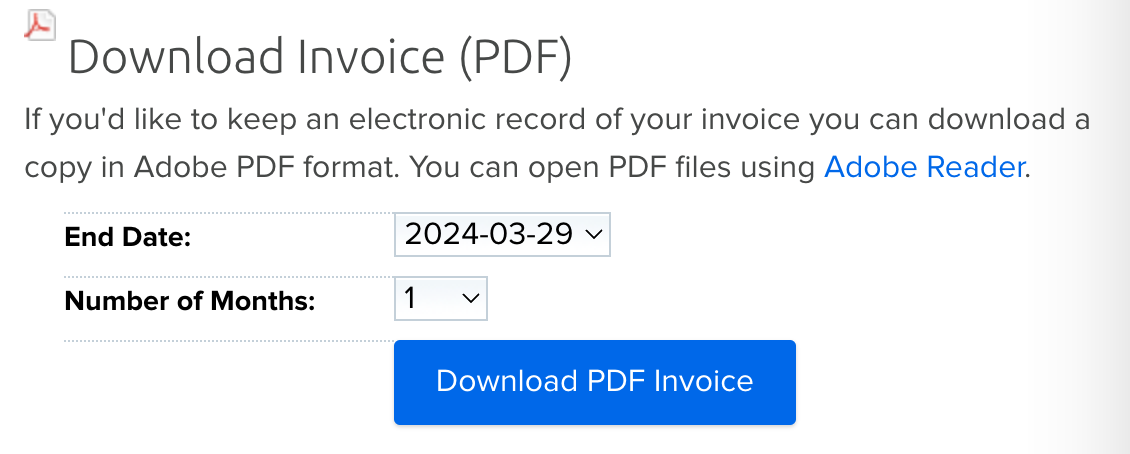
End Date
Choose the monthly billing cycle that you wish to view in your download. In the example above, this account’s billing cycle ends each month on the 29th. Your billing cycle may have a different monthly billing date as that is based on when your account was originally opened.
Number of Months
Choose the number of months that you wish to display in the PDF download. This is a good option if you need to download a year's worth of invoices all at once.
Once you have chosen your options, click the Download PDF Invoice button to save a copy of this invoice to your computer.
